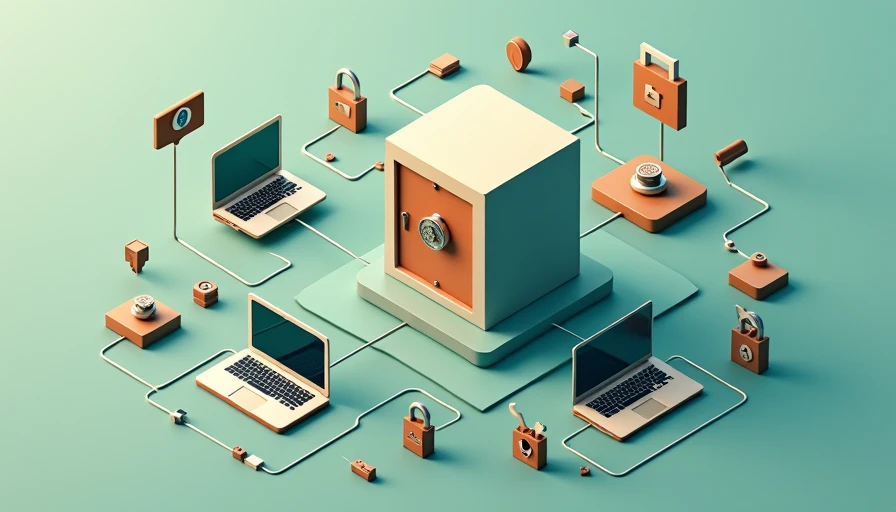
If you have ever reused a password because you could not remember another one, you have probably wondered, how does a password manager work? The short answer is that it stores your login details in an encrypted vault, creates stronger passwords, and fills them in when you visit a familiar website. Instead of memorizing dozens of credentials, you usually remember one master password.
That sounds simple, but the useful details matter. A password manager is not a magic shield against every scam. It is a practical tool for reducing reused passwords, fake login pages, and the frustration of account recovery. Safe enough starts with clear choices, so let us look at what happens behind the scenes.
How does a password manager work day to day?
Most password managers operate through an app, browser extension, or both. During setup, you create a master password. The manager then uses encryption to protect the vault, which can contain usernames, passwords, secure notes, payment details, and recovery information. The service normally cannot read the contents of a properly protected end-to-end encrypted vault, although account design varies by provider.
When you sign in to a website, the extension recognizes the domain and offers to fill the saved credentials. It should match the real website address rather than simply trusting a page that looks familiar. That distinction is important because a fake banking page can copy the colors and logo of the real site, but its web address will be different. A password manager that refuses to autofill on the wrong domain can provide a useful warning.
The master password is the key to the vault. If you forget it, many services cannot reset it for you in the same way an email provider resets a normal login. Some offer emergency contacts, recovery codes, or account recovery features, but those options must be configured ahead of time.
How encryption protects your saved logins
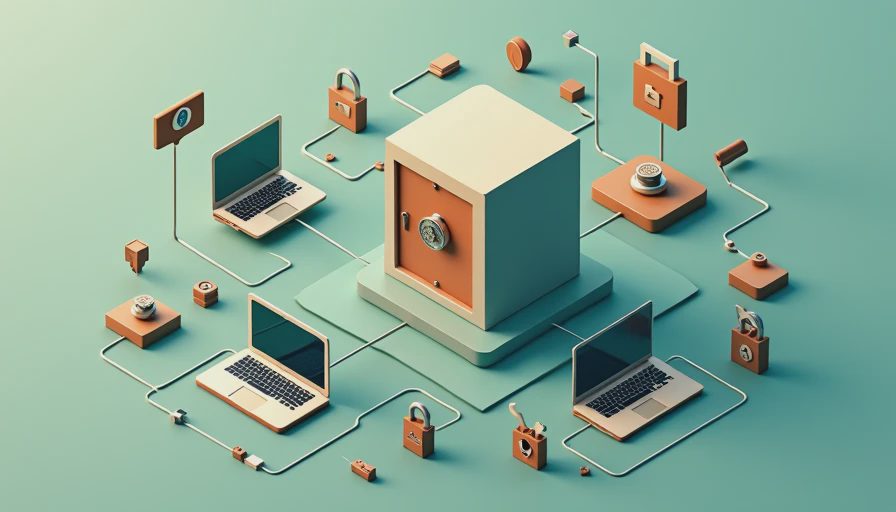
Encryption turns readable information into scrambled data that requires the right key to interpret. A reputable manager encrypts your vault before syncing it between devices. That means your laptop, iPhone, Android phone, or tablet can access the same information without sending ordinary passwords across the internet in an exposed format.
Your master password should be long, unique, and memorable. A sentence made from several unrelated words can be easier to remember than a short password with random symbols. Do not use the same master password for email, banking, or social media. If another account is breached, criminals could try that password against your vault.
Many products also use a zero-knowledge design. In plain English, the provider is designed so it does not possess the information needed to unlock your vault. That is a strong privacy feature, but it also means you must protect your master password and recovery codes. Before choosing a service, read its recovery explanation and review whether independent security audits are available.
What autofill can and cannot do
Autofill is one of the biggest everyday benefits. It reduces typing on a phone, prevents many spelling mistakes, and makes long, unique passwords practical. A manager can also suggest a random password when you create an account. The suggested password might contain 20 or more characters, and you do not need to remember it because the vault does that job.
Autofill is not a reason to click any link in an unexpected email or text message. Start with the risk you actually have: phishing often begins with a convincing message that pushes you toward a fake sign-in page. Open the official app or type the known website address yourself when a message concerns your bank, payment account, delivery, or email.
If a password manager does not offer to fill a login, pause. Check the address bar for misspellings, unusual domain endings, or a subdomain that does not belong to the company. The tool is most helpful when you let it identify the site instead of pasting credentials into every page manually.
How does a password manager work across phones and computers?
After installing the manager on each device, you sign in and unlock the vault. Syncing keeps changes available across approved devices. For example, you might create a new streaming-service password on a Windows laptop and later use it on an iPhone without sending yourself a note or saving it in an unprotected document.
Most services let you lock the vault automatically after a period of inactivity. Use that setting on shared or portable devices. A short lock period is sensible for a laptop used in a coffee shop, while a household tablet in a private room might justify a longer interval. Biometric unlocking, such as Face ID or a fingerprint, can make secure habits less annoying, but it should supplement a strong master password rather than replace your awareness.
Family plans can provide separate private vaults, shared folders, and emergency access. Those features are useful for household bills, streaming accounts, or a shared Wi-Fi password. Do not put every personal login into one shared folder. A parent may need access to a utility account without needing access to another adult’s private email or health portal.

Does a password manager replace two-factor authentication?
No. A password manager and two-factor authentication solve different problems. The manager protects and organizes the password. Two-factor authentication adds another proof of identity, such as an authenticator-app code, security key, or approved phone prompt.
Turn on two-factor authentication for your email first, followed by banking, payment apps, cloud storage, and social accounts. Email deserves priority because someone who controls it can often request password resets elsewhere. Some password managers can generate one-time codes, which is convenient, but storing the password and the second factor in the same vault creates a tradeoff. For your most important accounts, a separate authenticator app or hardware security key can provide stronger separation.
Save backup codes in a secure location that you can reach if your phone is lost. A printed copy stored at home may be more useful than a screenshot sitting in the same phone you cannot unlock.
Choosing a password manager without overcomplicating it
When asking how does a password manager work, also ask whether the product fits your household. Look for encryption details written in plain language, support for Windows, macOS, iOS, and Android, reliable browser extensions, and a clear export option. Exporting lets you move your data if you later change providers.
Compare the free and paid versions carefully. Bitwarden is known for offering a capable free tier, while 1Password emphasizes polished apps and family features. Dashlane focuses on a broad consumer security experience, and Apple Passwords works conveniently for people who mainly use Apple devices. These products have different pricing, interfaces, and recovery choices, so the best fit is the one your household will actually use.
Avoid downloading a manager from a random advertisement or an unfamiliar app listing. Visit the provider’s official website, confirm the publisher name in an app store, and read recent user feedback for recurring sync or autofill problems. Trust matters before the click.
A simple setup checklist
To put this protection into practice, install one reputable manager on your primary phone and computer. Create a unique master password, then import or manually add your most important accounts first. Change reused passwords for email, banking, shopping, and social media. Let the manager generate new passwords rather than inventing minor variations such as Summer2025 and Summer2026.
Enable automatic locking, turn on two-factor authentication for the manager, and store recovery codes safely. Review the vault every few months and remove old accounts. If a service reports a breach, change that account’s password immediately and change any other login where you reused it.
The answer to how does a password manager work is ultimately practical: it moves password security from memory and repeated habits into an encrypted system with helpful checks. It cannot identify every scam, but it can make unique passwords and safer sign-ins much easier. Start with one device, secure your email, and build from there.